Why Instagram Removes Audio from Reels
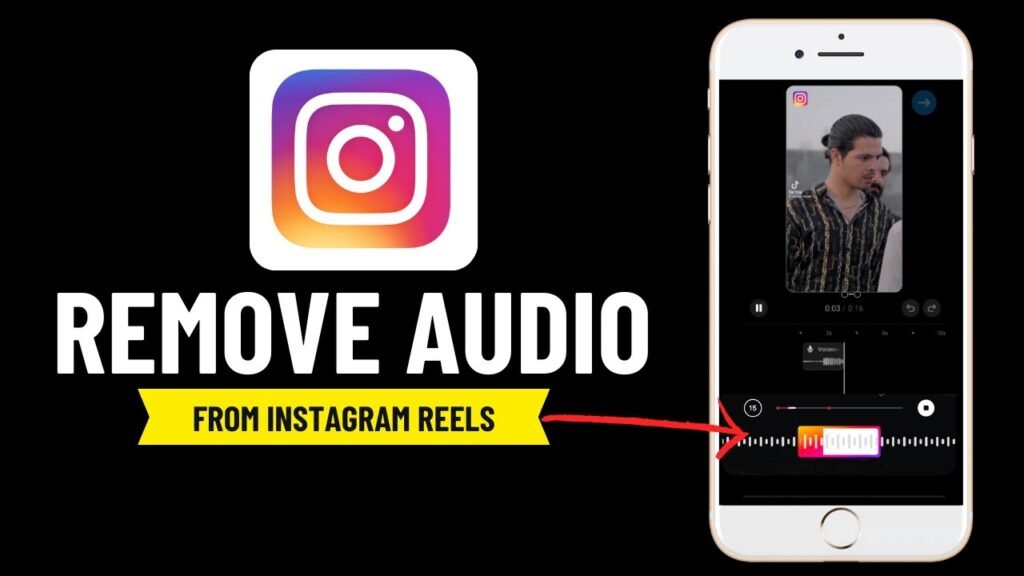
Instagram Reels has become one of the most popular short-form video features in the world. Millions of users upload and watch reels every day, but many creators notice a common issue: their audio gets removed or muted automatically.
In this article, we will explain in detail why Instagram removes audio from reels, how the system works, and how you can avoid losing sound in your videos. This guide is designed for creators, marketers, and anyone using Instagram Reels for personal or business purposes.
Understanding Instagram Audio System
Instagram does not treat all audio equally. Every sound used in Reels falls into different categories such as original audio, licensed music, copyrighted audio, and reused audio from other creators.
- Original audio (recorded by the user)
- Licensed music (from Instagram library)
- Copyrighted audio (from external sources)
- Reused audio from other creators
When Instagram detects a problem, it may mute the audio, replace it with silence, block the reel in certain regions, or remove it completely.
Main Reasons Instagram Removes Audio from Reels
1. Copyright Violations
The most common reason is copyright infringement. If you use music or sound that you do not have rights to, Instagram may automatically mute it using automated detection systems similar to YouTube Content ID.
Examples include:
- Using popular songs from YouTube videos
- Downloading music from external sources
- Using movie or TV audio clips
2. Regional Music Restrictions
Some songs are only licensed for specific countries. A song may work in one country but be muted in another depending on licensing rules.
3. Business Account Limitations
Business accounts are often restricted to royalty-free music and Instagram’s commercial audio library due to licensing rules for commercial content.
4. External Edited Videos
Videos uploaded with external audio from TikTok, YouTube, or other platforms may be detected as reused content and have audio removed.
5. Automated Detection Errors
Sometimes Instagram removes audio by mistake due to AI detection errors or similar sound patterns.
6. Account Restrictions
Accounts with previous violations may face stricter filtering, which can lead to audio removal or reduced reach.
How Instagram Detects Audio Issues
Instagram uses AI systems that analyze sound waves, music databases, and licensed content libraries to detect copyright violations automatically.
How to Prevent Audio Removal
- Use Instagram Music Library only
- Avoid downloading external music
- Use royalty-free music sources
- Prefer personal accounts instead of business accounts for music access
- Create original content instead of reposting
External Resource (Important)
To understand copyright rules in detail, you can read the official policy here:
Internal Tools You Can Use
Final Thoughts
Instagram removes audio from reels mainly due to copyright rules, licensing restrictions, and automated detection systems. Using licensed music and following Instagram guidelines can significantly reduce these issues.